Common formatting mistakes that flag a script as not ready?
You’ve written a feature film script, that’s a massive accomplishment! Fleshed out your characters, the narrative is on point, dialogue and pacing is perfect, you’ve built an entire world from nothing.
It's been a grueling and frustrating process, now you're ready to shop it around to directors and producers, but, there's a fatal flaw, before the reader even registers your brilliant plot twist, they are judging your formatting.
Industry standard formatting for screenplays exists for a reason, it ensures one page roughly equals one minute of screen time, it ensures the reader, the director, the actors know when they are reading action sequences and dialogue, where a scene starts and ends, your screenplay formatted correctly functions as a practical blueprint for every single production department.
When you deviate from the standard, it signals to the reader, that you don't understand the medium.
We are going to go through some of the most common formatting mistakes that flag a script as not quite ready, and exactly how to fix them, so that your work gets taken seriously.
Directing the Camera on the Page
Writers are able to show the film on page, however unless you are directing your own script, directing from the keyboard is the fastest way to annoy the actual director that is reading your script.
The Problem
Littering your action lines with visual and technical instructions, such as PAN TO, ZOOM IN, EXTREME CLOSE UP or TRACKING TO THE LEFT.
This takes the creativity away from the visual team, the director and the cinematographer, who will more than likely have their own vision for how the story will appear on screen.
The Solution
Tell the story through action, and focus. Instead of writing something like CLOSE UP on JOHNS trembling hand. Simply write "John's hands tremble" and let the director and cinematographer decide the lens and camera placement.
As a writer, passing over a script to a directing team, you need to be willing to give up some of that creative control.
Massive Walls of Text
A screenplay is not a novel, if a script reader opens your script and sees edge-to-edge, dense paragraphs of action lines, their eyes will immediately glaze over. Your script becomes undigestible to many.
The Problem
Writing massive, six to eight (or more) line paragraphs of continuous action and description.
The Solution
Break your action lines into smaller pieces, use white space to your advantage and separate your descriptive pieces.
Aim for no more than three or four lines per paragraph. Think of each new paragraph as a new shot, a new visual beat, give your script some breathing room.
Directing The Actors Before They're On Set
Parentheticals, also called brackets, are small directions placed in the script directly under a character name, right before their dialogue begins, and sometimes within the dialogue itself.
The Problem
Using parentheticals to dictate exactly how an actor should deliver every single line of dialogue, for example 'angrily', 'with a smirk', 'crying uncontrollably'
The Solution
If the scene is written well, the motion should be obvious and inherently show through. Keep parentheticals at bay and use them for necessary action happening mid-speech, for example 'checking her watch' or if the delivery goes completely against the obvious tone of the scene, like, 'laughing while delivering a death threat'
More often than not, those directions in the script will be glossed over anyway and a scene will be shot in multiple ways to see how different emotions and performances play out in the moment.
Trust your dialogue and trust the actors and director to make good performance choices.
Getting Creative with Fonts and Margins
It can be tempting to use a gritty distressed typewriter font for a horror film, or a sleek modern clean font for your next sci-fi epic.
We cannot stress this enough…. Just don't do it!
The standards set in place exist for a reason, to make scripts easy to read, easy to follow, a scene header on every script looks like a scene header, dialogue and character names are always positioned in the same place, transitionals are always positioned in the same place.
Messing with these can work against you very quickly, and can position you as someone who doesn't know what they're doing.
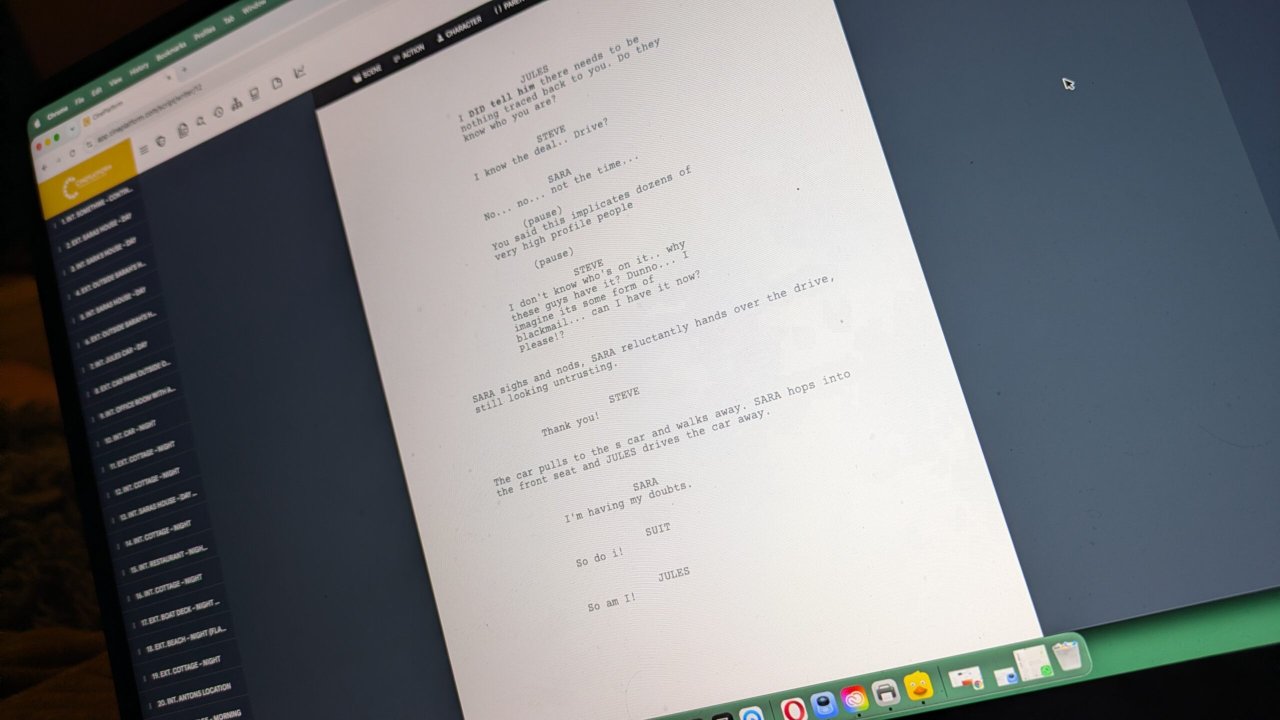
When industry standard film production software, like CinePlatform ingests a script, it looks for standard markers, scene headers, action pieces, transitionals, dialogue. If you've changed all of this, then your script becomes unreadable and mistakes will be made.
Stick to Courier 12pt font, always, without exception, make sure your margins and your dialogue are correct.
The easiest way to make sure your scripts are formatted properly is to use script writing software, like CinePlatform Script, you handle the story, and let the software handle the maths.
Sloppy Sluglines and Scene Headings
Scene headings tell the production team exactly where and when we are in the story. They aren't just for the reader, they are essential points of data used by every department to build, schedule and budget the film.
The Problem(s)
Making the sluglines too conversational and overly specific and Not formatting your sluglines correctly, for example:
INT. BARRY'S LARGE MESSY UPSTAIRS BEDROOM - LATER THAT EVENING AFTER THE PARTY
This is far too specific
The Solution
Keep your sluglines to the basic formula: