Script Breakdown Software
Identify and organise every production element.
Seamlessly tag props, wardrobe, cast, and locations directly from your screenplay. Export detailed breakdown sheets to keep your pre-production running on schedule.
Turn your script into an actionable plan
Stop manually highlighting printouts. Transition from your screenplay to a fully tagged breakdown, identifying props, locations, and wardrobe per scene so your pre-production is organised, accurate, and ready for the real world.
Script Breakdown Features
Streamline your pre-production with CinePlatform
Automatic Scene Extraction
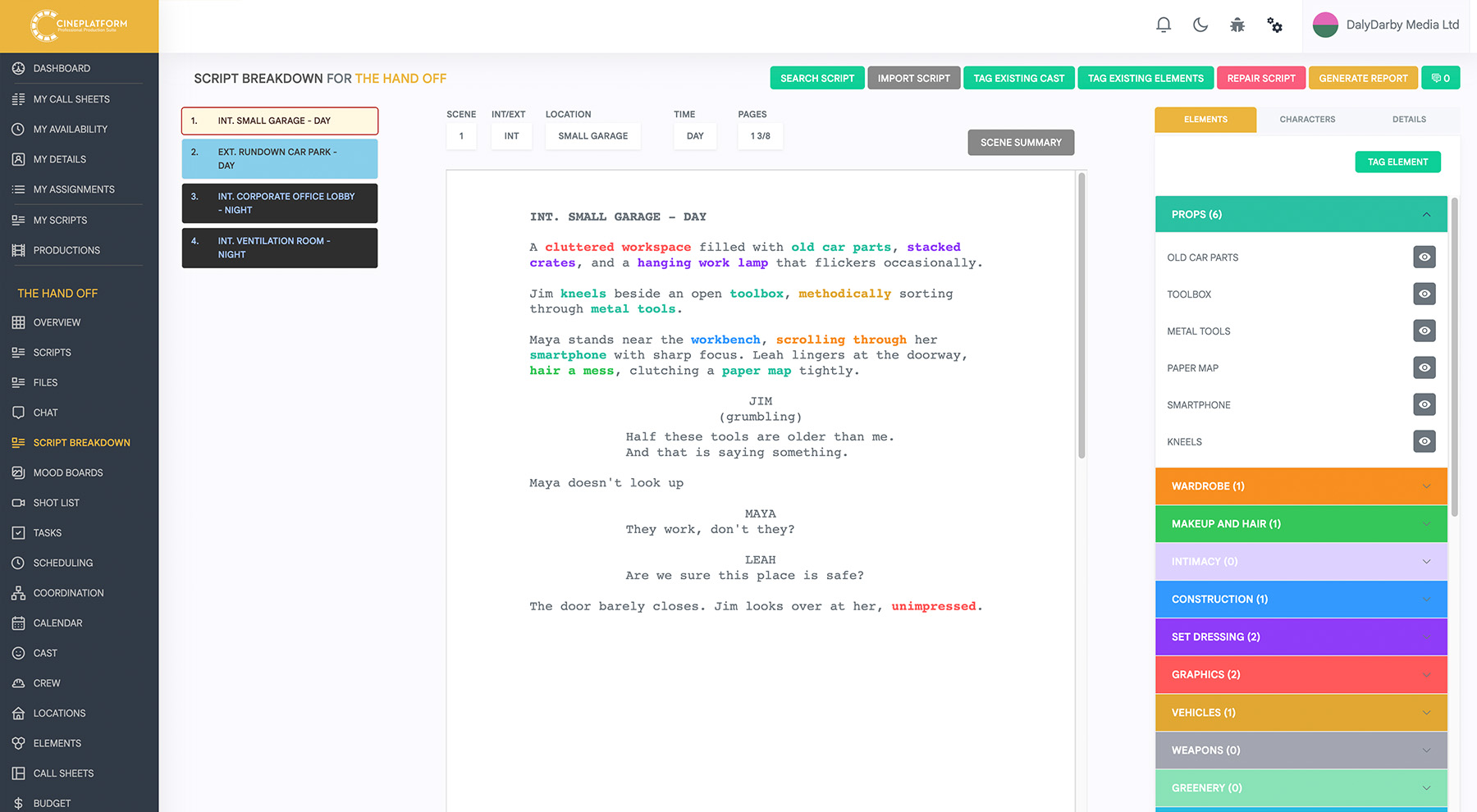
Instantly import your screenplay and let our engine automatically parse scene headings, page counts (in 1/8ths), and character lists to build your initial scene index in seconds.
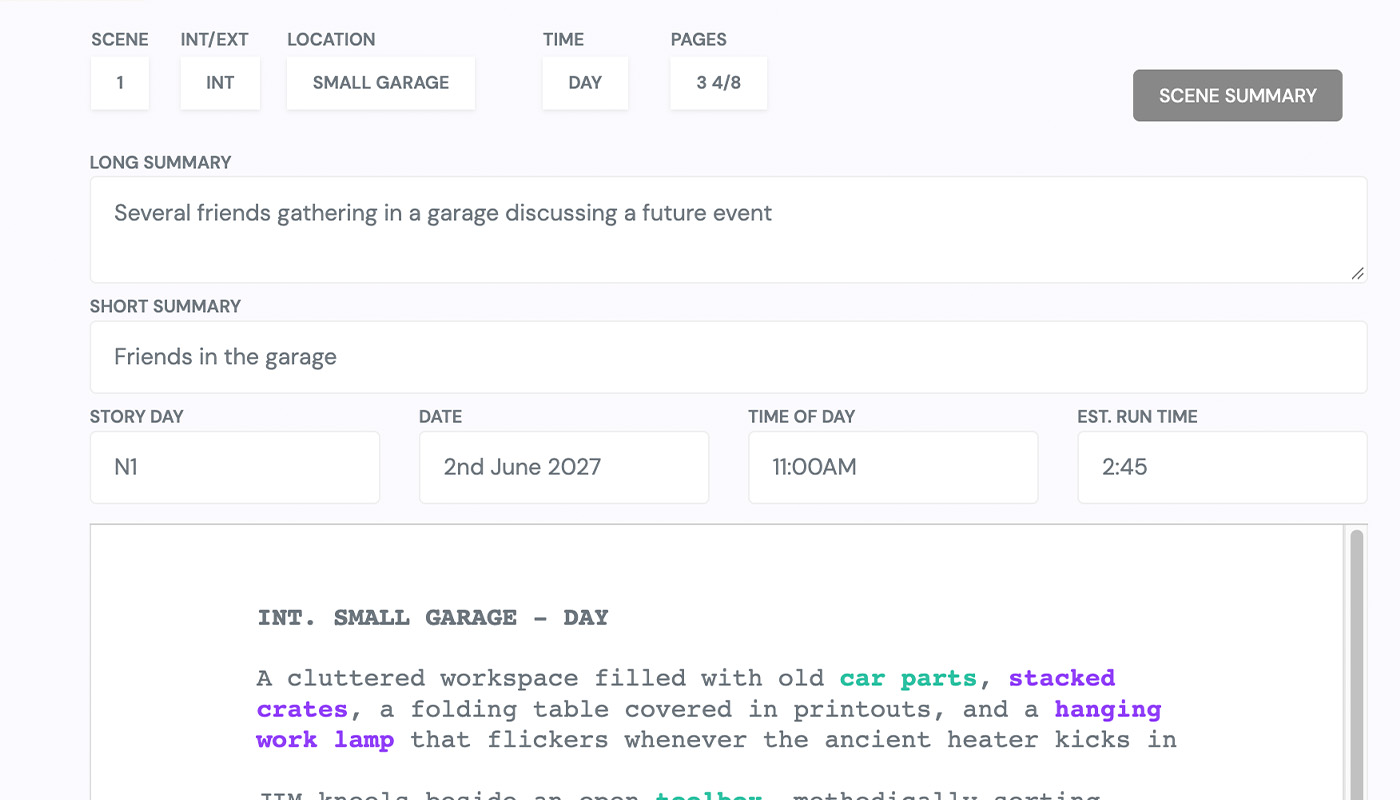
Industry-Standard Color Tagging
Highlight and categorise script elements using traditional industry color codes. Quickly tag cast, props, wardrobe, stunts, and vehicles for instant visual recognition across your entire project.
Comprehensive Breakdown Sheets
Generate detailed breakdown sheets for every individual scene. Add director's notes, estimate prep times, and leave highly specific instructions for your department heads.
Real-Time Department Collaboration
Invite your crew to the platform. Allow the art department, wardrobe, and makeup teams to view, comment, and add their own specialised notes to their specific tagged elements.
Visual Reference Uploads
Keep your team visually aligned. Upload and attach mood boards, location scouting photos, and prop references directly to your breakdown elements for absolute clarity.
Seamless Scheduling Integration
Pull your completed breakdown data directly into your stripboard. Instantly generate Day Out of Days (DooD) reports and shooting schedules without double data entry.
Element Tagging
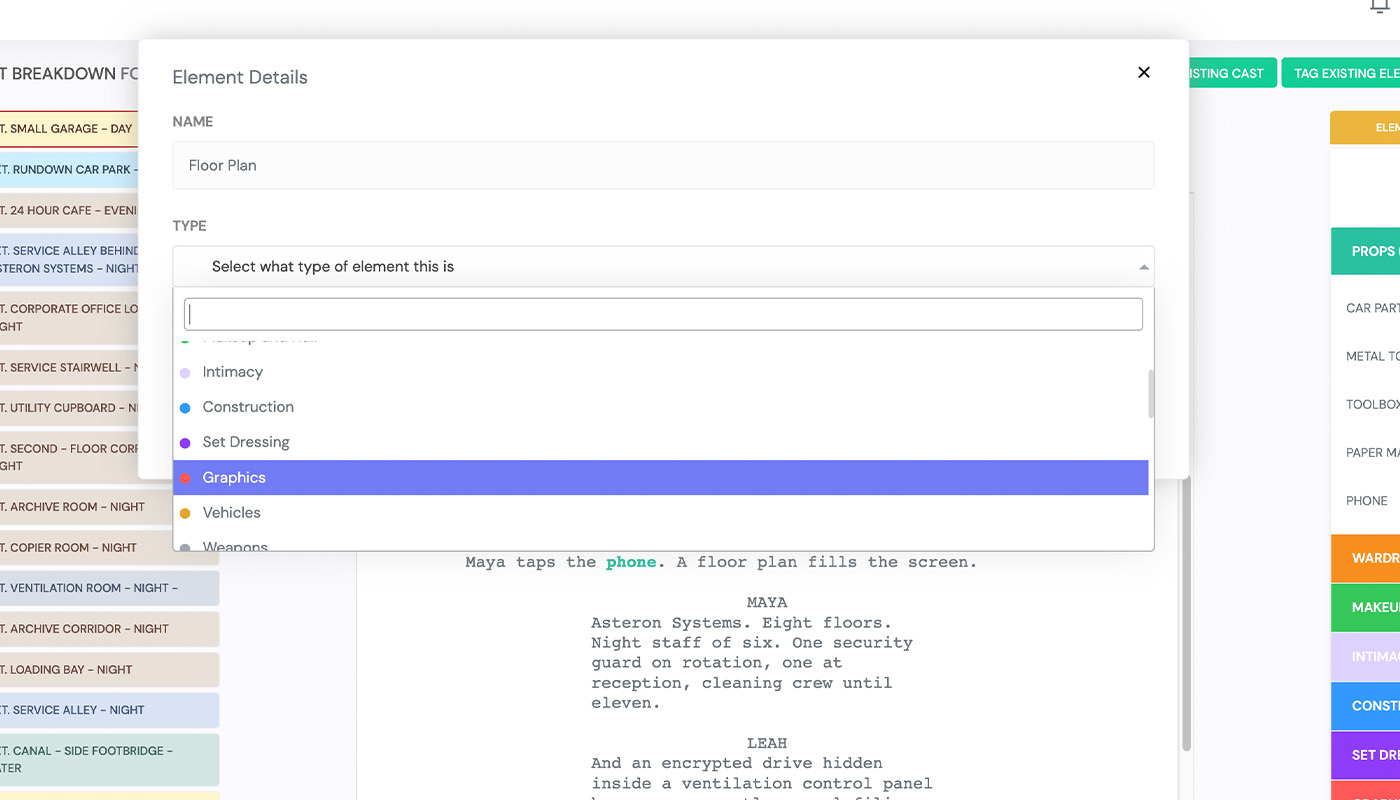
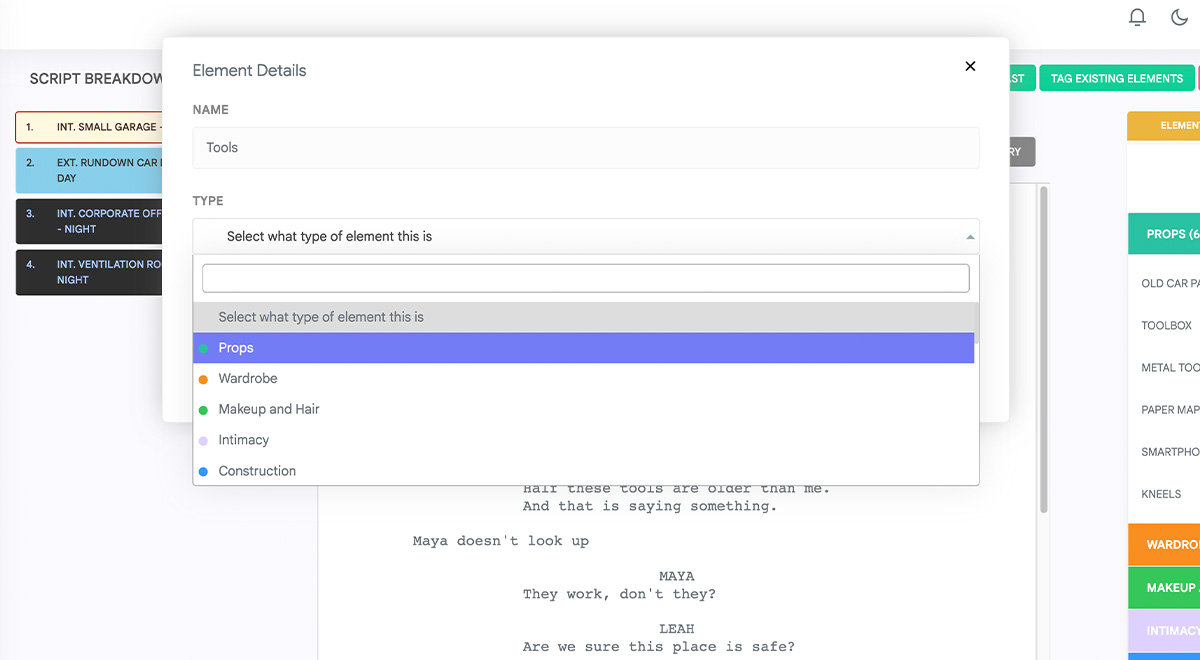
Every script is full of production detail, and element tagging helps you capture all of it without slowing down your writing. Tag characters, props, locations, costumes, sound effects and more directly within your script, so nothing gets missed when it's time to plan a shoot. Colour coded tags make it easy to see exactly what's needed and where, scene by scene.
Once your elements are tagged, they're instantly organised and ready to use across the rest of your breakdown, saving hours of manual list building further down the line.
Script Summary and Search
Finding a specific line, character or location shouldn't mean scrolling through page after page. Our script summary and search tools let you instantly locate any element, scene or piece of dialogue, giving you a clear overview of your script's content at a glance. It's an easy way to stay on top of a project as it grows in size and complexity.
Whether you're checking how often a character appears or tracking down a specific prop mention, search puts the answer just a few keystrokes away.
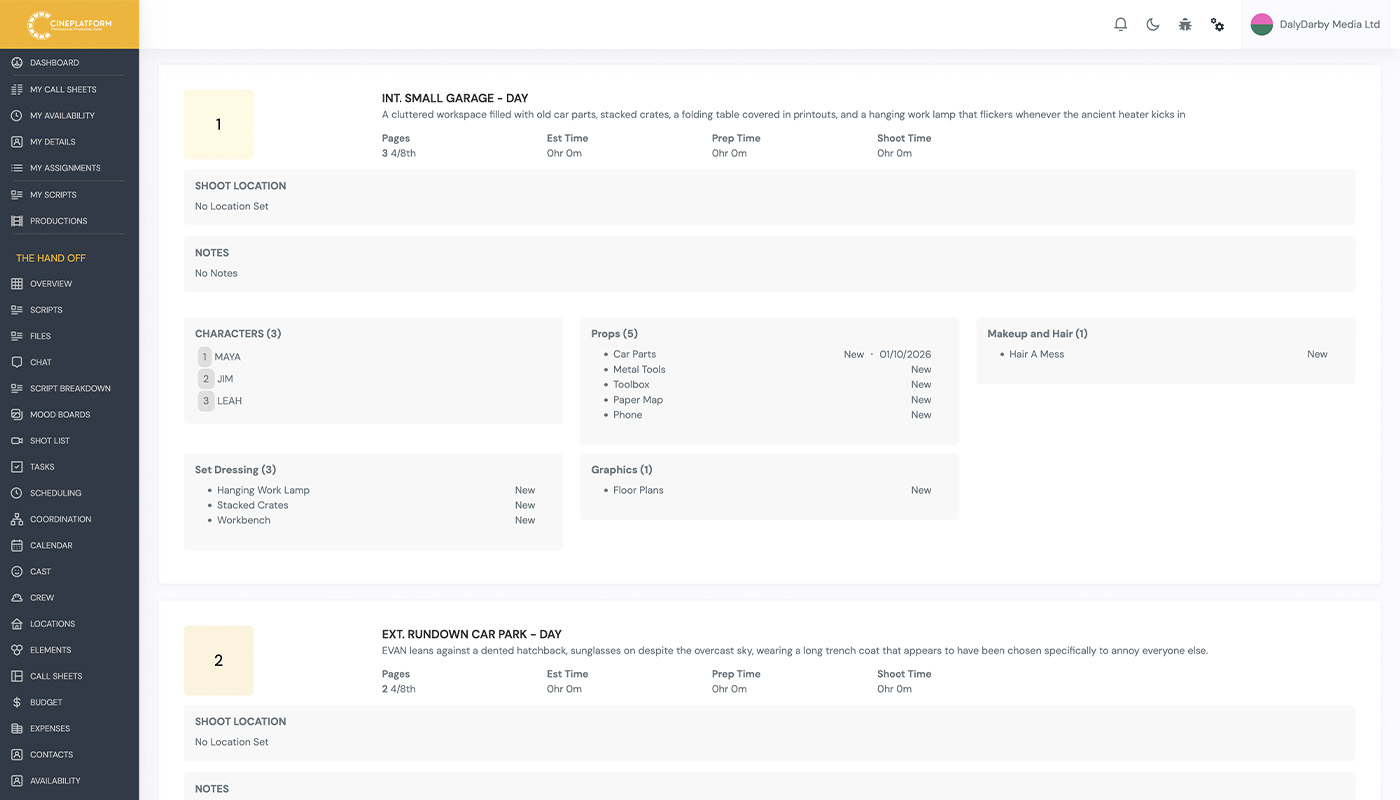
Breakdown Report
Once your elements are tagged, generating a full breakdown report takes just a few clicks. Reports pull together every tagged element into a clear, organised document, ready to share with your production team or use for scheduling and budgeting. No more cross referencing scripts by hand or rebuilding breakdowns from scratch for every draft.
As your script changes, your breakdown updates with it, so your production team is always working from the most accurate version of the story.
Managing Tagged Elements
Once your elements are tagged, keeping them organised is just as important as tagging them in the first place. Review, edit and categorise every tagged character, prop, location and more from one central view, so your breakdown stays accurate as your script develops through multiple drafts. Merge duplicates, fix mistagged elements and adjust categories in seconds, without having to hunt back through the script itself.
As changes happen, your tagged elements stay in sync with the page, so your production team is always working from a breakdown that reflects the latest version of the story.