Editing Software Guide: Best Tools for Every Budget
Choosing the right video editing software is one of the most important decisions a film maker or creator can make. Whether you’re a beginner editing your first short film, a content creator posting on social media, or a seasoned editor working on features, your editing software needs to match your skills, workflow, and budget.
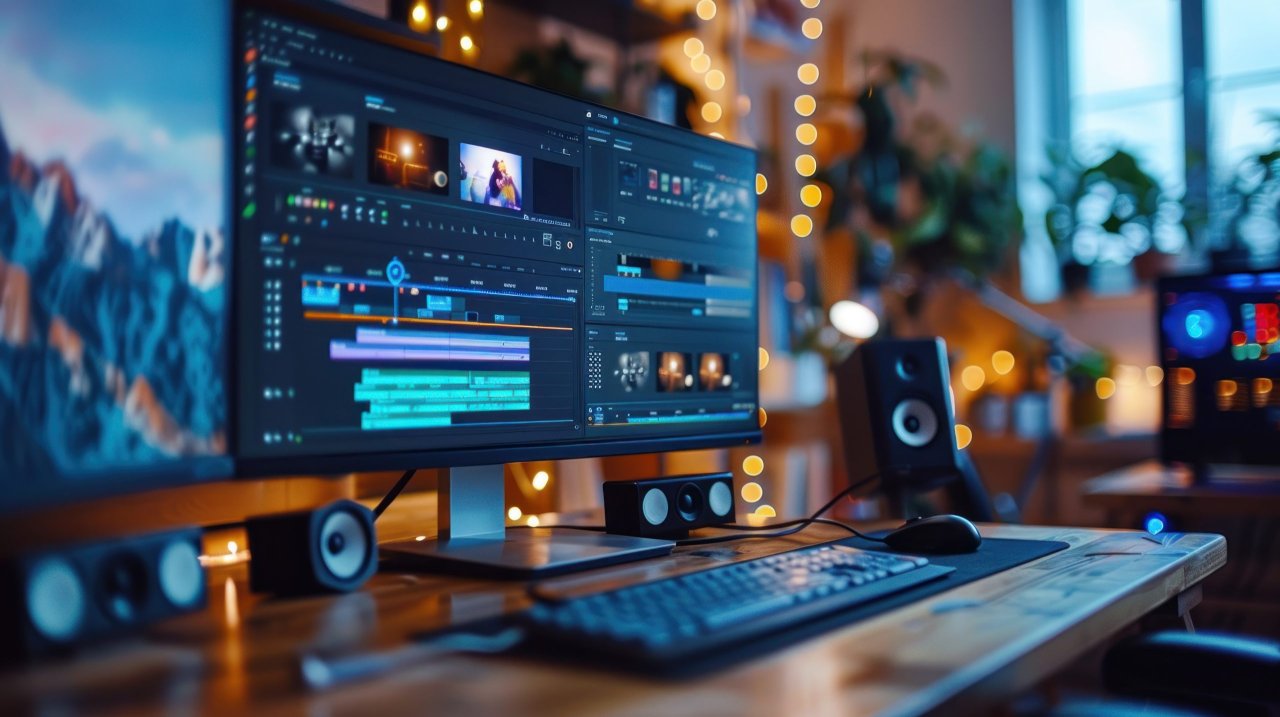
This guide breaks down the best editing tools available in 2026, comparing features, pricing, and ideal use cases, from free professional-level suites to budget-friendly editors and industry staples.
Why Choosing the Right Editing Software Matters
Your editing software is where your story comes together. It's where you cut scenes, shape performances, colour correct footage, mix sound, add effects, and finalise your project. The right tool can:
- Speed up your workflow
- Improve quality with better effects and colour grading
- Help you collaborate and scale from small projects to big ones
Different editors excel in different areas…so let's break them down.
Top Editing Software for Every Budget
1. DaVinci Resolve – Best Free & All-Around Professional Tool
Best for: Beginners through professionals Platforms: Windows, macOS, Linux Price: Free basic version / Blackmagic Resolve Studio ~$295 (one-time)
DaVinci Resolve continues to be the go-to choice for editors who want professional-grade features without subscription fees. Its free version includes:
- Advanced timeline editing
- Powerful colour grading tools used in feature films
- Integrated audio editing with Fairlight
- Fusion VFX and motion graphics
The paid Studio version adds AI tools, collaborative features, and advanced HDR workflows. This makes Resolve ideal whether you're cutting your first film or polishing cinematic work.
Pros: No cost for most core features, industry-level tools Cons: Steeper learning curve than simpler editors
Adobe Premiere Pro – Industry Standard for Professionals
Best for: Professional editors & creatives embedded in Adobe ecosystem Platforms: Windows, macOS Price: Subscription (around £20-£30/month)
Adobe Premiere Pro is widely recognised as the industry standard video editor, used in film, TV, and online media. It offers:
- Deep integration with Adobe After Effects, Photoshop, and Audition
- Powerful timeline and multicamera editing
- Regular feature updates
If you plan to move into professional workflows or collaborate with other creatives using Adobe tools, Premiere is a strong choice.
Pros: Advanced editing & integration tools Cons: Subscription model and higher system requirements
Final Cut Pro – Best One-Time Purchase for Mac Users
Best for: Mac editors and creatives Platforms: macOS only Price: One-time purchase ~£299.99
Final Cut Pro has long been the preferred choice for Mac users thanks to:
- A magnetic timeline that accelerates editing
- Fast performance on Apple hardware
- Seamless support for multi-cam projects and 4K/8K workflows
Its one-time purchase model appeals to creators who don't want ongoing subscription fees.
Pros: Optimised for Mac, fast and powerful Cons: Not available on Windows
Affordable & Budget Video Editors
If you're just starting out or editing small projects on a tight budget, these tools offer great value:
Wondershare Filmora
- Best for: Beginners and social content creators
- Price: ~£49.99/year
- Easy drag-and-drop interface with built-in effects and AI tools
- Pros: Intuitive and affordable
- Cons: Less advanced than pro tools
PowerDirector
- Best for: Intermediate users wanting balanced tools
- Feature-rich but still accessible for newer editors
Lightworks
- Best for: Editors wanting a freemium pro workflow
- Free version included; paid one adds export options and higher resolutions
OpenShot & Shotcut
- Best for: Free/open-source users with basic editing needs
- Great for simple cuts, titles, and basic colour work without paying a dime
Simple Comparison: 2025 Editing Software
| Software | Best For | Platform | Price |
|---|---|---|---|
| DaVinci Resolve | All-around professional | Win/Mac/Linux | Free / $295 one-time |
| Adobe Premiere Pro | Industry professionals | Win/Mac | Subscription |
| Final Cut Pro | Mac creators | macOS | One-time purchase |
| Filmora | Budget beginners | Win/Mac | Affordable yearly |
| PowerDirector | Semi-pro creatives | Win/Mac | Budget-friendly |
| Lightworks | Entry pro workflows | Win/Mac/Linux | Freemium |
| OpenShot/Shotcut | Free basic editing | Multiple OS | Free |
How to Choose the Right Editing Software
Here's how to think about your choice:
- Experience Level: Beginners often benefit from intuitive apps like Filmora or OpenShot, while experienced editors should consider Resolve or Premiere.
- Project Type: Complex films, colour grading, and advanced effects lean toward DaVinci Resolve or Final Cut Pro.
- Budget & Licensing: Free software keeps costs down, whereas subscriptions like Premiere Pro offer ongoing updates and cloud collaboration.
- Hardware: Mac editors might prefer Final Cut Pro for performance, while DaVinci Resolve works cross-platform.
Final Thoughts: Match Software to Your Story
There's no single best video editing software that fits every filmmaker, it comes down to your goals, budget, and creative needs. Whether you opt for free professional-level power with DaVinci Resolve, industry-standard tools like Premiere Pro, or budget-friendly editors that get the job done, the important thing is that your software helps you tell your story efficiently and beautifully.
Pro Tip: Try free trials where available, hands-on testing helps you find the editor that feels right for your workflow before committing.